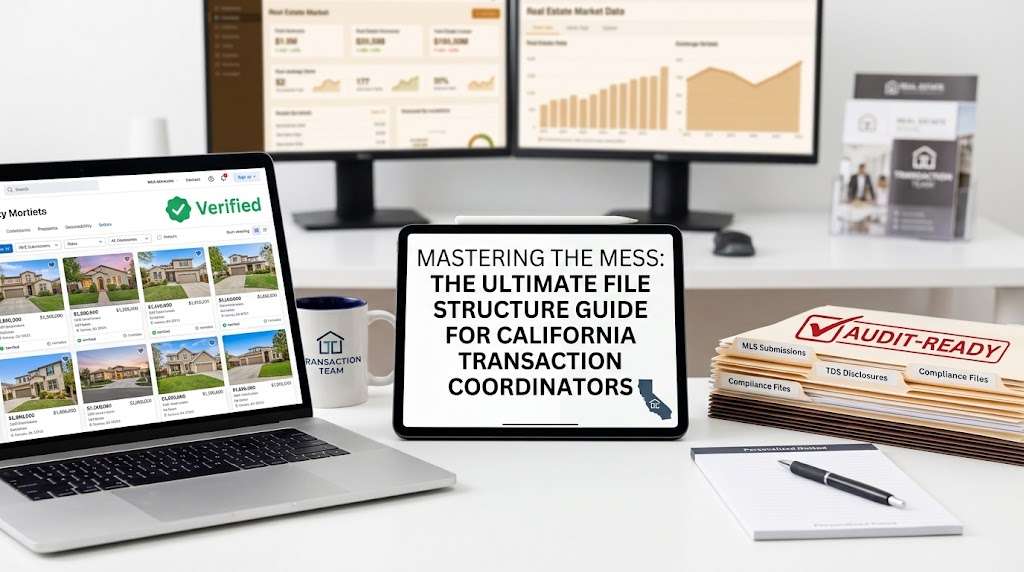
Mastering the Mess: The Ultimate Guide for California Transaction Coordinator File Structure
In the fast-paced world of California real estate, a disorganized file structure isn’t just a headache, it’s a major compliance risk. With the Department of Real Estate (DRE) enforcing strict record-keeping requirements, and the sheer volume of disclosures required by the California Association of Realtors (C.A.R.), transaction coordinators, agents, and managing brokers cannot afford a messy digital drive.
When a high-stakes transaction heats up, you need to find the fully executed TDS, the local area disclosures, or a specific escrow amendment in exactly three seconds.
Here is the exact, battle-tested folder architecture designed to keep your California real estate transactions clean, audit-proof, and lightning-fast to navigate.
The Master Blueprint: Level 1 Architecture
Whether you use Google Drive, Dropbox, or a specialized transaction management platform like SkySlope or Dotloop, your top-level naming convention must be uniform across every single file.
Recommended Naming Format:
[Status] - [Property Address] - [Client Last Name]
Example:
ACTIVE - 123 Magnolia Ave, Los Angeles - Smith
Inside that master folder, establish five distinct, numbered subfolders. Numbering them keeps your directory sorted in chronological workflow order rather than alphabetical chaos:
Plaintext
├── 01_Contract & Disclosures/
├── 02_Escrow & Title/
├── 03_Inspections & Reports/
├── 04_Lending & Appraisal/
└── 05_Closing & Compliance/
1. 01_Contract & Disclosures (The Foundation)
This folder holds your initial purchase agreement and all state-mandated disclosures. Because California is a heavy disclosure state, break this down into three clear sub-sections:
01a_Signed Contract: The Residential Purchase Agreement (RPA), counter-offers, and all executed addenda.01b_Statutory Disclosures: The Transfer Disclosure Statement (TDS), Seller Property Questionnaire (SPQ), Natural Hazard Disclosure (NHD), and Lead-Based Paint advisories.01c_Advisories & Local Disclosures: The Wire Fraud Advisory (WFA), Representative Capacity Signature Disclosure (RCSD), and any municipal point-of-sale requirements.
2. 02_Escrow & Title (The Financial Track)
Keep your transactional and escrow updates separated from the property’s physical disclosures:
- Escrow Instructions & Amendments: Signed escrow holder instructions and numbered amendments.
- Earnest Money Deposit (EMD): Wire receipts, copy of the check, and the verified escrow deposit receipt.
- Title Report: The Preliminary Title Report, underlying hyperlinked CC&Rs, and title updates.
3. 03_Inspections & Reports (Due Diligence)
California transactions are notorious for extensive property condition reviews. Never mix general home inspection reports with formal repair negotiations:
- Reports: General home inspection, termite (Structural Pest Control), roof, chimney, and sewer scope reports.
- Verifications: Building permit histories and local ordinance compliance documents.
- Resolutions: The Request for Repairs (RR), Seller Response and Buyer Reply (RRRR), and Final Verification of Property (VP).
4. 04_Lending & Appraisal (Financing & Contingencies)
Crucial for monitoring loan contingency removal timelines:
- Loan Documents: Pre-approval letters, conditional loan approvals, and the final Closing Disclosure (CD).
- Appraisal: The appraisal report, valuation notices, and any subsequent Reconsideration of Value (ROV) requests.
5. 05_Closing & Compliance (The Glass-Box Finish Line)
This is where your final audit happens before your managing broker signs off on commission distribution:
- Contingency Removals: Chronologically ordered Contingency Removal forms (
CR-1,CR-2,CR-3, etc.). - Final Walkthrough: The Commission Agreement (CA) and signed Verification of Property (
VP). - DRE Compliance Audit: Your internal TC checklist, broker demand, and the final estimated closing statement from escrow.
Pro-Tips for Bulletproof File Management
_DRAFTvs._EXECUTED: Never leave multiple versions of a document floating in the same folder. Keep unsigned versions in a_DRAFTSfolder. Once signed, move the final PDF to its primary folder and append_EXECUTEDto the filename.- Date Everything Backwards (ISO Standard): Name chronological logs or PDF emails using
YYYY-MM-DDformat (e.g.,2026-09-17_Buyer Repair Request.pdf). This keeps your timeline in perfect sequential order automatically. - Audit Mid-Transaction: Don’t wait until day 21 to see if you are missing a signature on the wildfire disaster disclosure. Audit your folder structure against your master checklist at weekly milestones.
Elevate Your Operations Today
Building a scalable real estate business or maintaining a high-volume brokerage requires systems that run smoothly with zero friction. Implementing this architectural file structure cuts down communication friction, speeds up onboarding, and eliminates the anxiety of a DRE audit.
Looking for precision-led support that keeps every file audit-ready from day one? Explore how OC Transaction Coordinators delivers glass-box transaction coordination and contract-to-close compliance management for California’s top producers.
Question 1:
How long does the California DRE require TCs and brokers to keep transaction files?
The California Department of Real Estate (DRE) requires real estate brokers to retain all listings, deposit receipts, canceled checks, trust records, and executed disclosure forms for a minimum of 3 years.
Question 2:
What software is best for managing California transaction folder structures?
Google Drive, Dropbox, SkySlope, and Dotloop are all great options provided you strictly maintain a uniform folder naming convention and chronological sub-folder system.